
Preview




Description
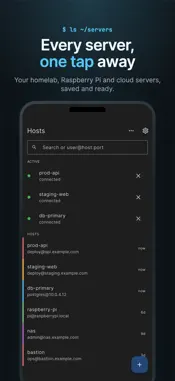
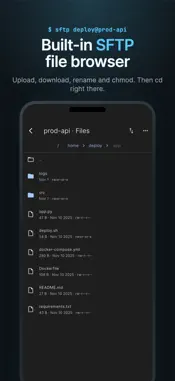
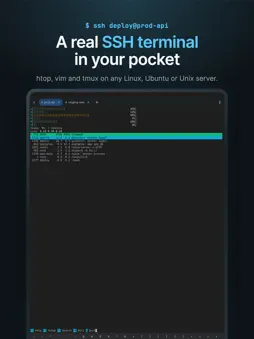
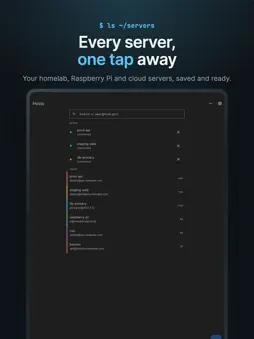
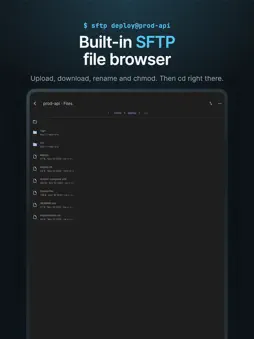
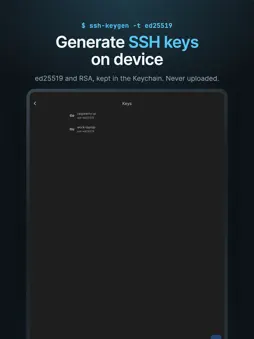
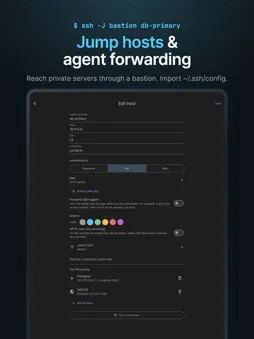
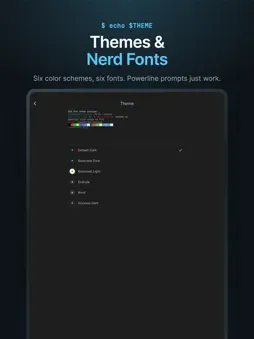
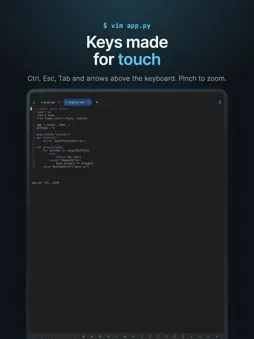
A fast, private SSH client for iPhone and iPad. Connect to your Linux, Ubuntu, Raspberry Pi or any Unix server and get a real terminal: full color, every key you need, and tabs for every session. REAL TERMINAL • Full xterm-256color terminal: htop, vim, tmux, less and top work the way they do on your desktop • Extra keys above the keyboard: Esc, Tab, Ctrl, Alt, arrows, Home/End, PgUp/PgDn and F1–F12 • Sticky Ctrl and Alt: tap once for the next key, double-tap to lock • Pinch to zoom, long-press to select, copy and paste • Hardware keyboard support for iPad • Reconnect with one tap when iOS drops the connection; your scrollback stays HOSTS AND KEYS • Save your servers with labels and colors, or quick connect with user@host:port • Password, key, or both. Keyboard-interactive login for macOS and PAM servers • Generate ed25519 and RSA keys on the device, and install the public key on a server with one tap • Import existing OpenSSH, RSA and EC keys • Import hosts from your ~/.ssh/config • Host key verification with a clear warning if a server's key changes PRO: FILES, TUNNELS AND MORE • SFTP file browser: upload, download, rename, delete and change permissions, then open a terminal in that folder • Port forwarding: local (-L), remote (-R) and dynamic SOCKS (-D) tunnels that start with the session • Jump hosts (ProxyJump) to reach private servers through a bastion • SSH agent forwarding for git and onward hops • Snippets: save the commands you type every day and send them with one tap • Several live sessions at once, in tabs • One-time purchase. No subscription. PRIVATE BY DESIGN • Passwords and private keys stay in the iOS Keychain and never leave your device • No account, no sign-up, no cloud sync, no tracking • Optional Face ID / Touch ID / passcode lock LOOKS GOOD • Six color themes: Default Dark, Solarized Dark and Light, Dracula, Nord, Gruvbox • Six bundled monospace fonts, including JetBrains Mono Nerd Font, so Powerline, starship and oh-my-zsh prompts render correctly Made for sysadmins, developers, DevOps engineers, students and homelab fans who need to reach a server from anywhere. Terms of use (EULA): http://www.apple.com/legal/itunes/appstore/dev/stdeula
Technical Analysis
Package Overview Basic metadata
Bundle ID
hr.cloudbit.sshpad Current Version 1.0
Minimum iOS 15.0
Package Size App Store Size
Package Metadata 0 / 0 version records
Detailed binary, privacy manifest, framework, and Info.plist results have not been indexed for this package yet. The verified App Store and archive metadata above remains available.
Developer Information
Known Version Records
0 version records with stored package metadata
Stored metadata does not guarantee a package is currently available to download.
| Details | Version / IDs | Version date | Action |
|---|