
Preview






Description
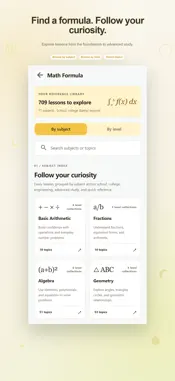
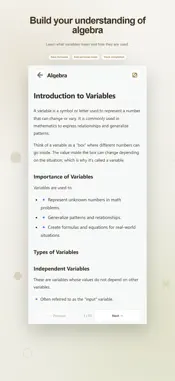
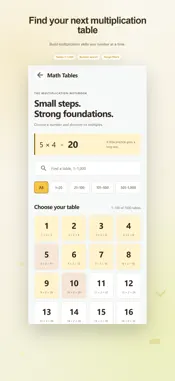
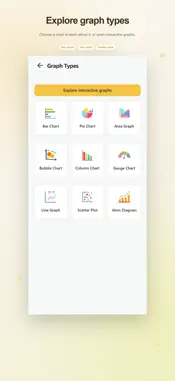
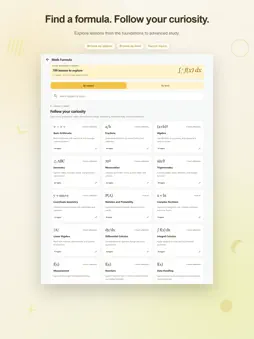
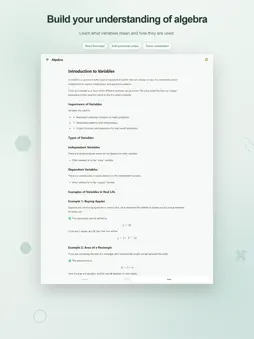
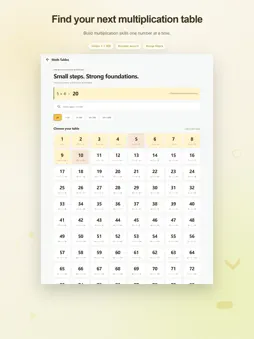
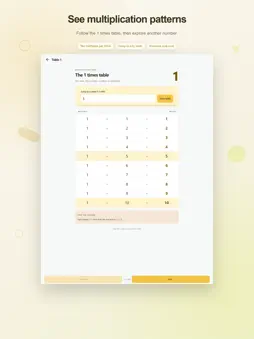
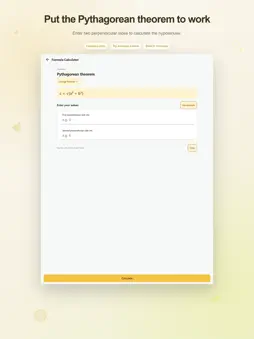
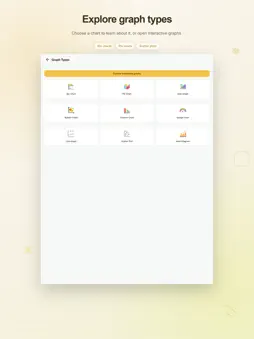
Turn a formula lookup into a useful study session. Math Mentor combines a mathematics reference library with worked examples, practical calculators, and personal revision tools, helping you move from reading a rule to trying it yourself. A notebook for your learning Start with a subject, choose a level, or search for a topic. The library spans school Levels 1-12 as well as college, engineering, advanced mathematics, and quick reference material. Explore arithmetic, fractions, algebra, geometry, trigonometry, calculus, statistics, and probability. Levels provide general guidance rather than alignment with a particular examination board. Keep the topics that matter Save a formula lesson and add a personal note, then find it again in My Study Hub. Mark topics complete to follow your progress through each subject, or continue the lesson you opened most recently. Notes, completion records, and flashcard review information are stored on your device, giving your revision a consistent place to begin. Understand before memorising Worked Examples presents problems alongside solution steps and the reason each method works. Common Mistakes explains errors and their correct approaches. Math in Daily Life connects ideas with practical situations, while the searchable dictionary supplies mathematical definitions with examples. Formula Explorer adds guidance on variables, units, assumptions, and appropriate uses for the calculator's formulas. Recall, reveal, review Revision flashcards invite you to think of a formula before showing the answer. Choose whether you knew it or need another look. Review intervals adapt to those choices, from a short retry for difficult cards to longer gaps for confident answers. You can also practise all cards when you want a broader review. Try the values yourself Use 16 formula calculators covering geometry, mensuration, percentages, interest, rates, sequences, coordinates, and quadratic equations. See substituted working and results rather than just a final number. Use the arithmetic calculator for everyday operations, and convert units with options to copy or share the result. Explore a visual explanation Interactive graphs let you change the values for a straight line, parabola, or circle and redraw the plot. Geometry Explorer displays supported shapes with measurements for perimeter, area, surface area, or volume. Multiplication tables cover numbers 1 to 1,000, with navigation between neighbouring tables and a direct jump to a chosen number. Practise and revisit Take a quiz, then review incorrect and skipped questions in the mistake notebook. Retry those questions and read the accompanying explanation. For a different challenge, solve number patterns, missing-number questions, magic squares, and matchstick puzzles. Puzzle solution steps help explain the reasoning, and practice mode lets you replay solved challenges. Make a focused revision sheet Choose up to 10 formula topics and export them together as an HTML document. Open the saved document in a browser for printing or saving as PDF. Set optional daily reminders at times you choose, subject to notification permission, and select light, dark, or system appearance in Settings. Use Math Mentor for a short reference check, a planned revision session, or a return to a subject you have not studied in a while. Mathematical symbols, measurement references, graph types, tips, tricks, and history provide additional paths into the material.
Technical Analysis
Package Overview Basic metadata
Bundle ID
all.maths.formulas Current Version 1.4
Minimum iOS 15.0
Package Size App Store Size
Package Metadata 0 / 0 version records
Detailed binary, privacy manifest, framework, and Info.plist results have not been indexed for this package yet. The verified App Store and archive metadata above remains available.
Developer Information
Known Version Records
0 version records with stored package metadata
Stored metadata does not guarantee a package is currently available to download.
| Details | Version / IDs | Version date | Action |
|---|